Companies and links
Assign contacts to a company.
Before you start
What a company is in planni
A company is a record in its own right in the CRM, independent of contacts. A contact can be linked to several companies, and a company can in turn have several contacts. planni does not store a ranking here: there is no "primary company", every link a contact has sits side by side with equal weight.
Creating a company
Step by step
Open the "Companies" tab under the CRM section and click Create Company in the top right.
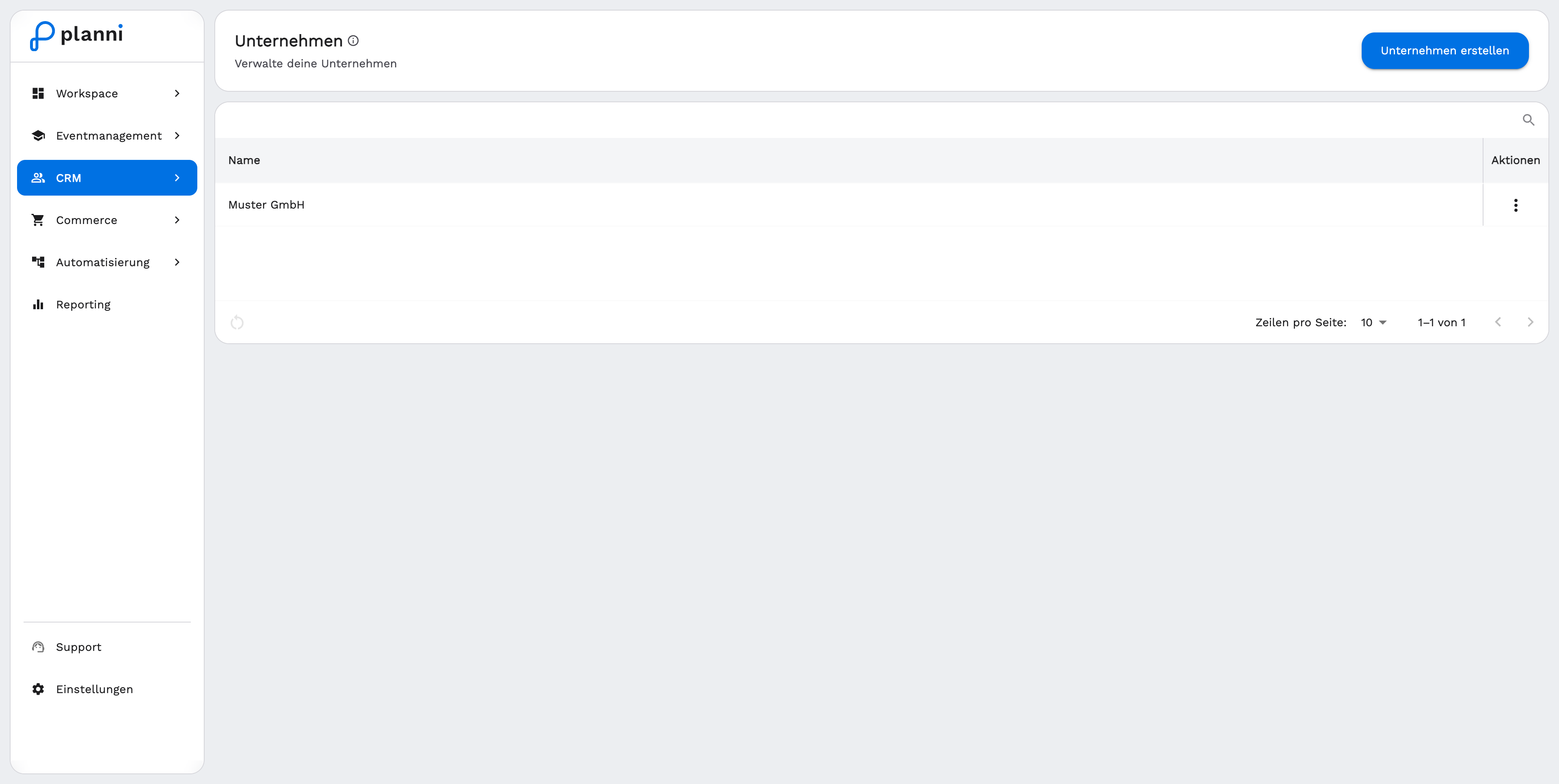
Enter the company name. That is the only required field. planni checks while you type whether a company with this name already exists, and blocks saving if it does.
Click Save.
The company detail page shows additional details such as VAT number, email address or postal address once they are on file. What you can edit directly from the detail page right now is the name.
Linking contacts to a company
From the company page
Open the company and click + add in the "Contacts" section. Search for the contact you want and confirm with Add. The contact appears in the list right away, no page reload needed.
From the contact
The reverse works the same way: open the contact, click + add in the "Companies" section, search for the company and confirm. A contact can be assigned to several companies this way, for example when they work for two organizations.
Removing a link
Clicking the X icon next to an entry removes the link, after confirming in a dialog. This only breaks the connection between contact and company, both records themselves stay intact.
Viewing and managing a company
What the company page shows
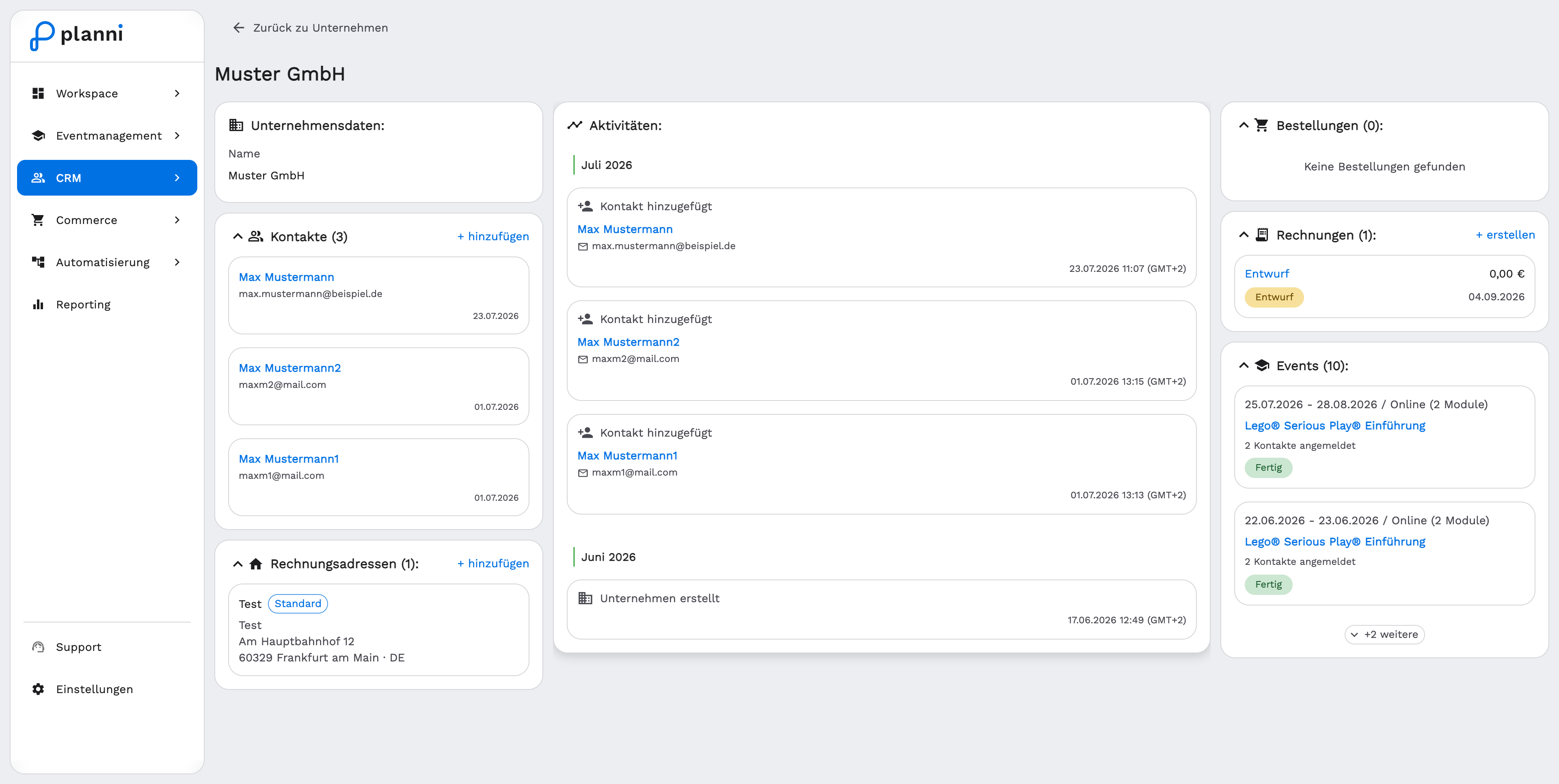
On the left are the company's master data, the linked contacts and the billing addresses (marked "Default" where it applies, see Billing addresses), in the middle the activity, on the right the orders, invoices and event registrations of the company and its contacts.
Deleting a company
Open the companies list, click the action menu on the company's row and choose Delete. Confirm the dialog. This action cannot be undone.
When something does not work
I cannot save the company
The name you entered already exists. planni does not allow two companies with the identical name, so the same company does not end up twice in the CRM. Search for the existing company instead and link your contact there.
I cannot find a company in the list
The search on the "Companies" tab only covers the company name. See Searching, sorting and paging for details.
Can I merge two companies?
No, planni does not currently offer a way to merge duplicate companies. Link the affected contacts to the company you want to keep instead, and delete the extra entry.