Calendar types
Create and manage types for calendar entries such as vacation or sick leave.
Goal
You create your own calendar types to mark calendar entries alongside your scheduled events, for example vacation, sick leave or other absences.
Prerequisites
None, you can create a new calendar type at any time.
Creating a calendar type
Step by step
Open Settings → Objects → Calendar Types.
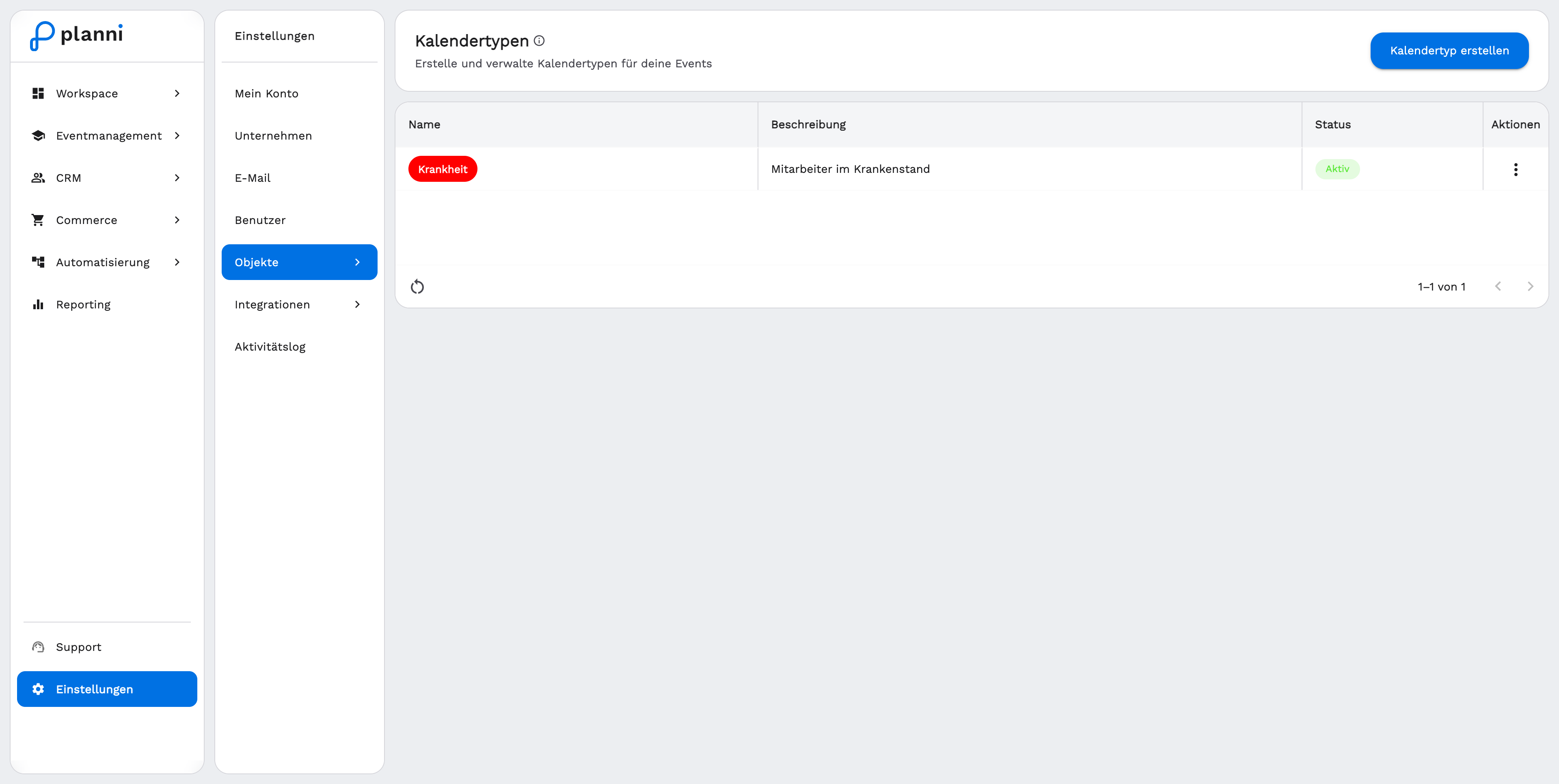
Click Create Calendar Type and enter a name, for example "Sick Leave".
Choose a color. It appears as a colored chip in the list and later on the matching entries in the calendar.
Optionally add a description and save the calendar type.
Result
Where the calendar type appears
The new calendar type is now available when creating a calendar entry in the Calendar. This lets you track vacation, sick leave or other absences of your team alongside your scheduled events and keep an overview of your team's workload.
Pitfalls
Calendar types are only for marking calendar entries such as absences. For scheduling events themselves, use the Event wizard.